- 100% DSGVO · kein SaaS — läuft in Ihrem eigenen Odoo
- Ihre E-Mails & Daten bleiben in Ihrer Datenbank
- Funktioniert mit Odoo 17 · 18 · 19 — Ihre Wahl
- Laufend weiterentwickelt — jetzt Version 4
?unique=1212e3f)
MailDesk Helpdesk Integration
 MailDesk Helpdesk Integration
Link every support email to an Odoo Helpdesk ticket in seconds. Manage your entire support workflow **directly from MailDesk** with full bidirectional traceability.
Fast & Systematic Customer Support
Support teams relying on email often lose context between the inbox and the Helpdesk app. Tickets appear out of nowhere. This module bridges that gap, ensuring every customer inquiry is tracked, linked, and prioritized.
Create Tickets
Generate tickets from any email with one click. Customer contact data is pre-populated automatically.
Link Existing
Attach emails to ongoing tickets to prevent duplication and keep conversation history unified.
Inline Edits
Update stage, priority, and assignee directly from the MailDesk panel without leaving your inbox.
Traceability
View source emails from the ticket chatter. Every ticket knows exactly which email triggered it.
Step 1 — Enable Support Hubs
In Settings → Mailbox Accounts, activate Helpdesk integration per mailbox. Enable on support@, disable on personal accounts to keep the UI clean and relevant.
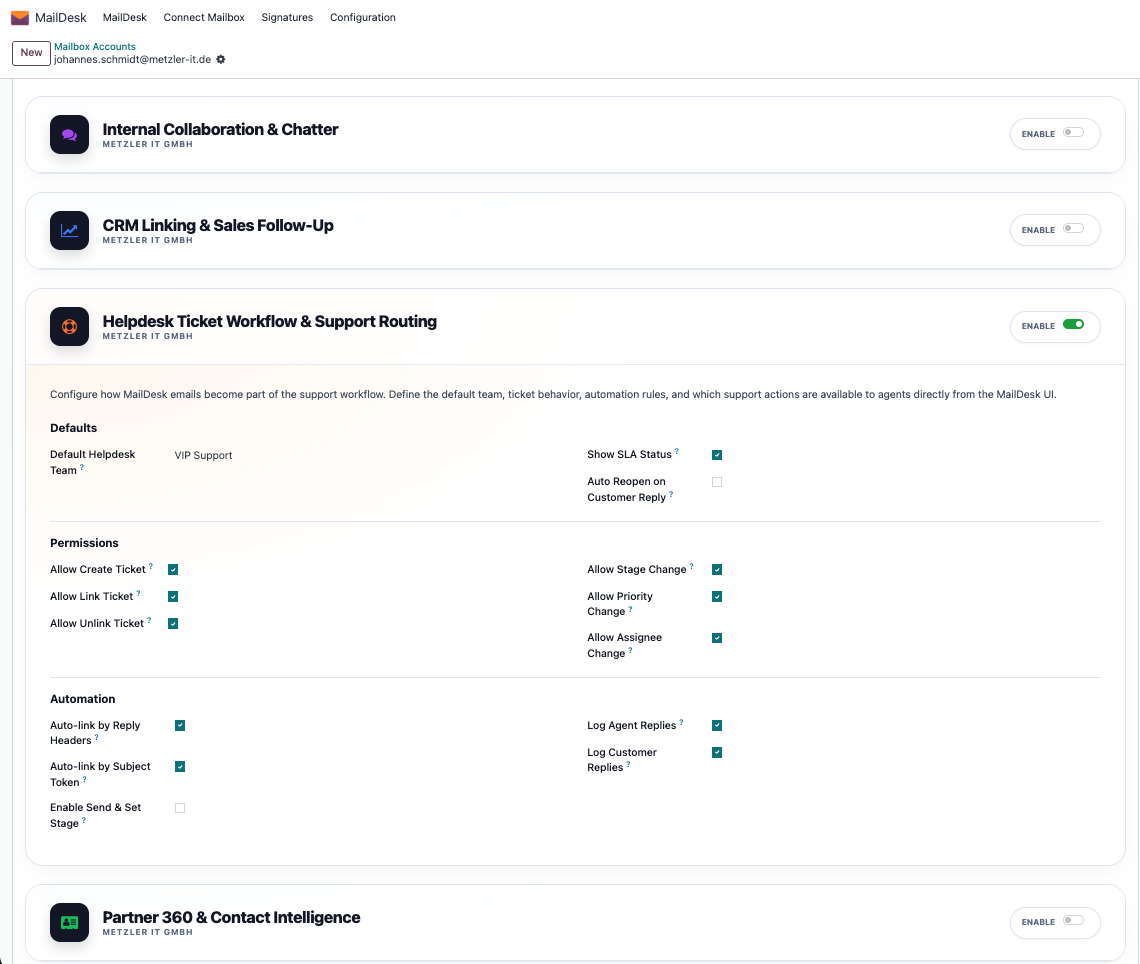
Mailbox-Level Control
Granular control ensures that support features are only available where they add value, keeping your interface professional and lightweight.
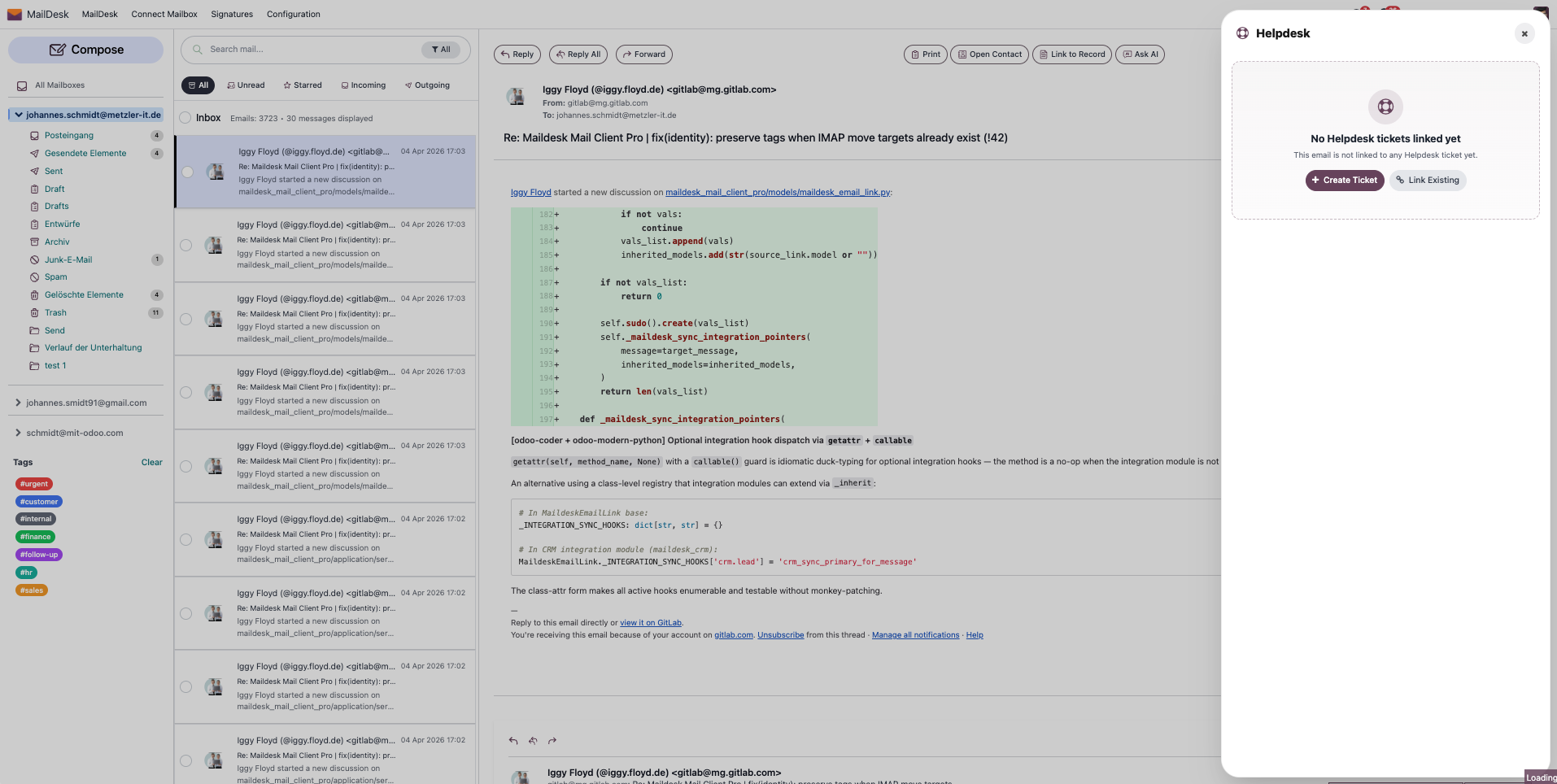
Step 2 — Access the Helpdesk Panel
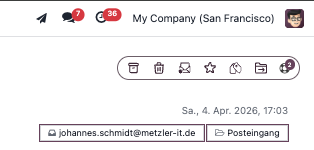
Dynamic Badge Status
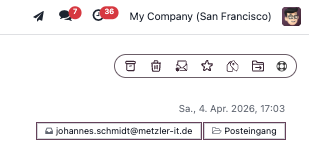
The Helpdesk toggle shows a linked ticket count. One look tells you if the email is already being tracked by your team.
Step 3 — Create Tickets Automatically
The creation wizard opens pre-filled with customer data from the email header. Finish the form and the ticket is instantly linked.
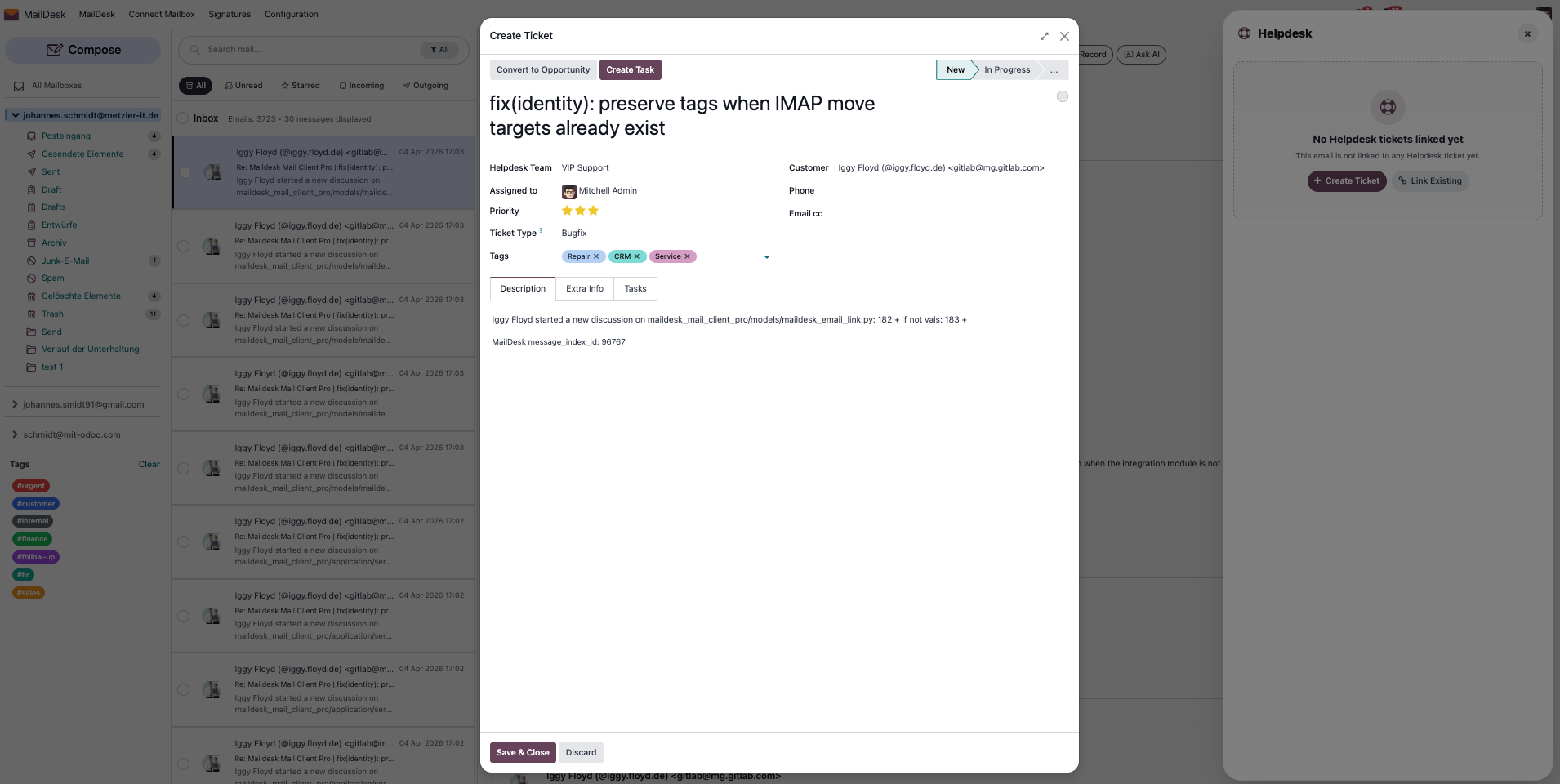
1. Pre-populated Ticket Wizard
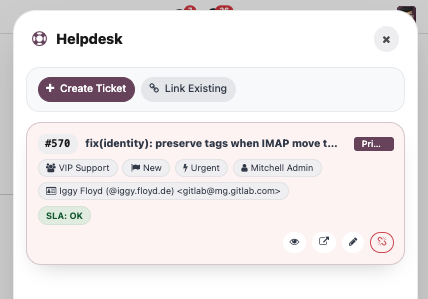
2. Active Support Context
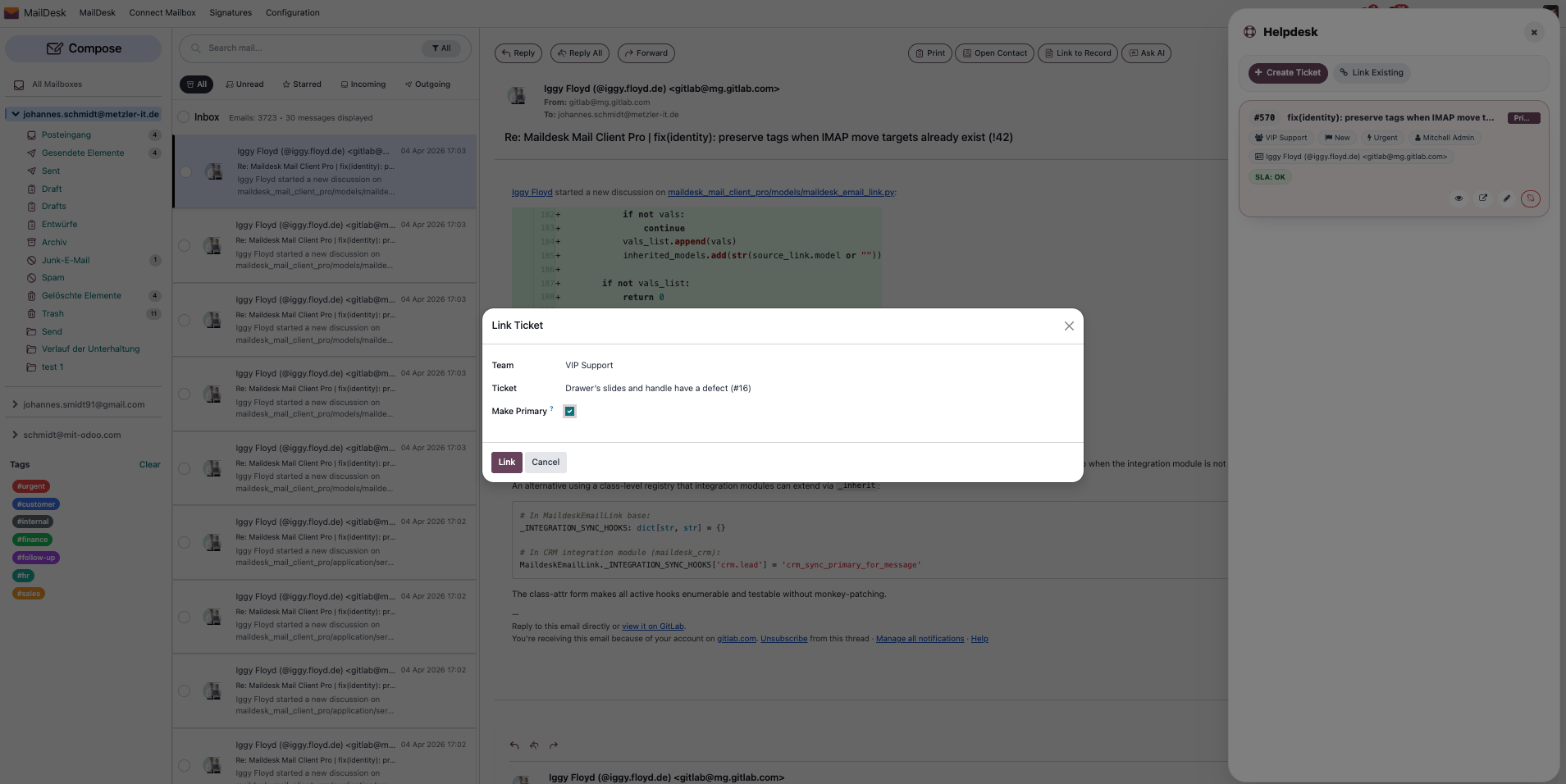
Step 4 & 5 — Link & Trace
Avoid duplicates by linking to existing tickets. Every linked email is visible in the Helpdesk chatter for 360° traceability across your organization.
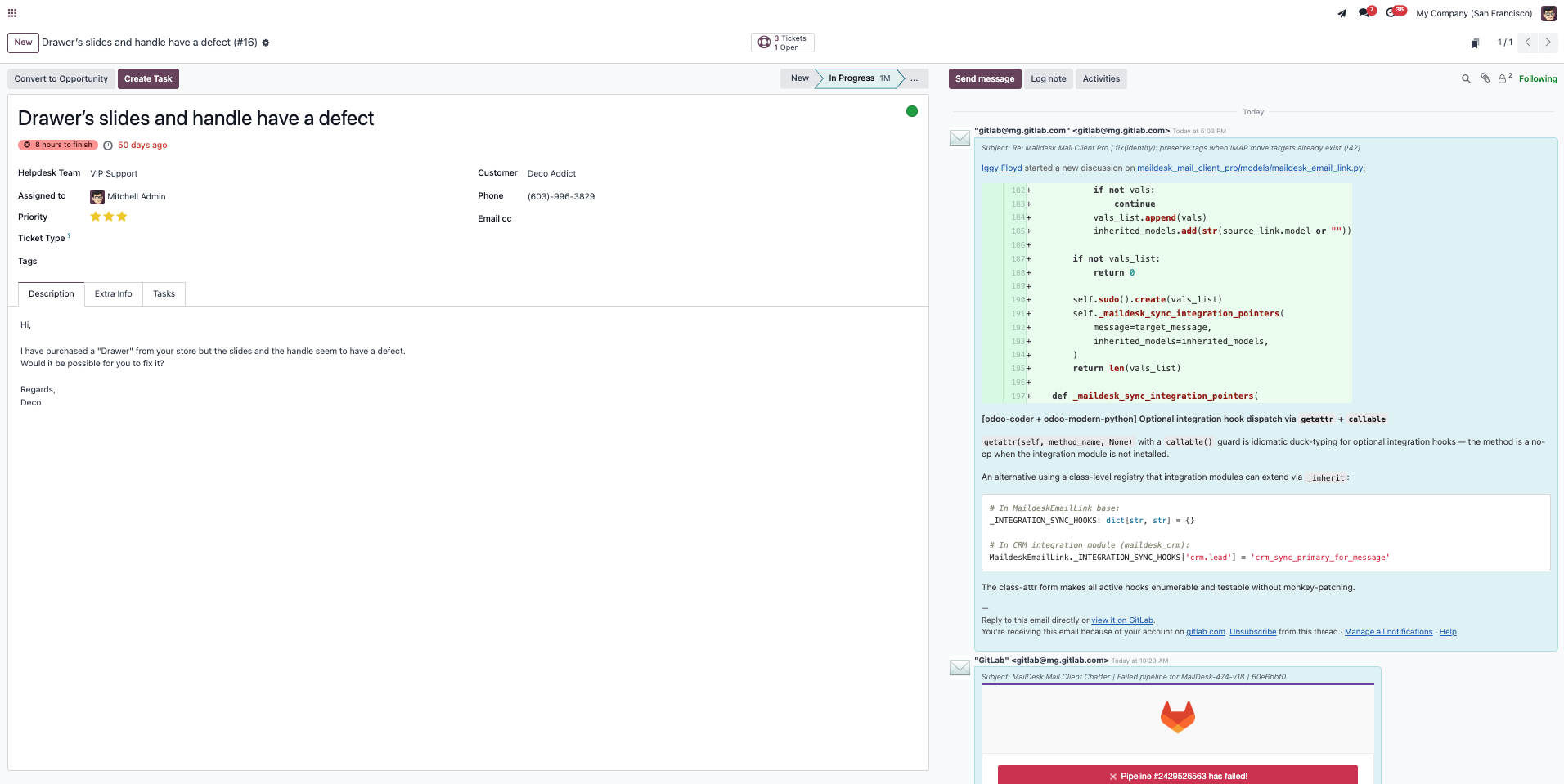
Bidirectional Navigation
Switch between MailDesk and Odoo Helpdesk seamlessly. A smart badge indicates the linked count directly in your email list view.
Requirements
- MailDesk Basic + Pro — Core email engine
- Odoo Helpdesk — Native Odoo app
- Odoo 17.0+ (Enterprise or Community)
Global Reach: Multi-Language Support
MailDesk Helpdesk Integration is available in multiple languages to empower your global support team.
 German (de)
 Spanish (es)
 French (fr)
 Dutch (nl)
 Portuguese (pt)
 English (en)
 Turkish (tr)
 Polish (pl)
World-Class Support Starts Here.
Stop tab-switching and losing context. Integrate your Odoo Helpdesk directly into your inbox today.
Upgrade Your Support Workflow