MailDesk AI - overview
Available in: MailDesk Pro. MailDesk Basic has no AI.
Long email threads eat your morning. By the time you've scrolled to the bottom of a twenty-message back-and-forth, you've half forgotten what the question even was - and you still have to write the reply. MailDesk AI sits right inside your mailbox and does the reading-up and the first draft for you, so you can spend your attention on the answer that matters instead of the scrolling that doesn't.
It's a helper, not a black box. Every action is something you click, on the email you are looking at - nothing happens to your inbox on its own, and the AI only ever sees what you hand it.
What it does for you
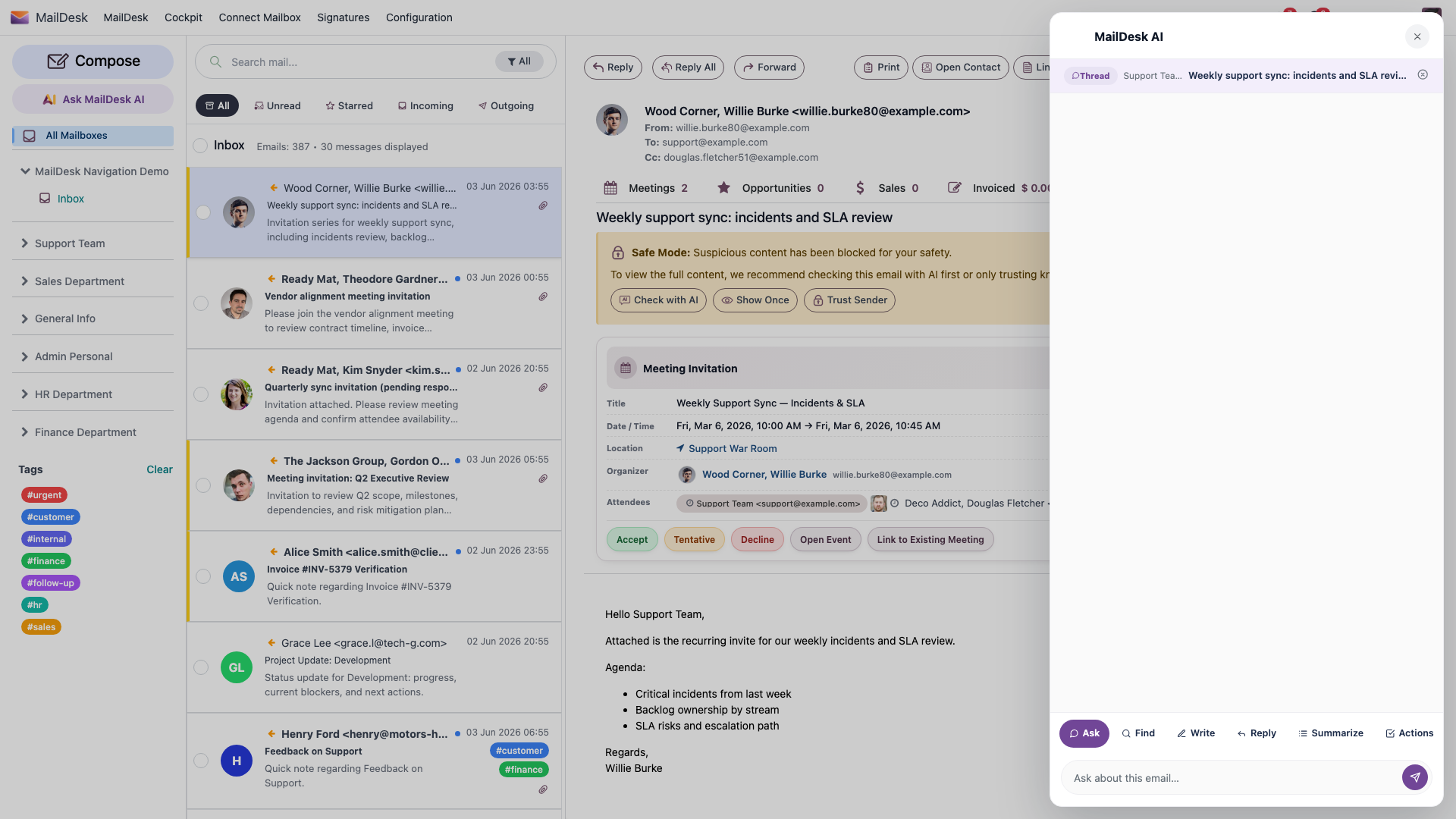
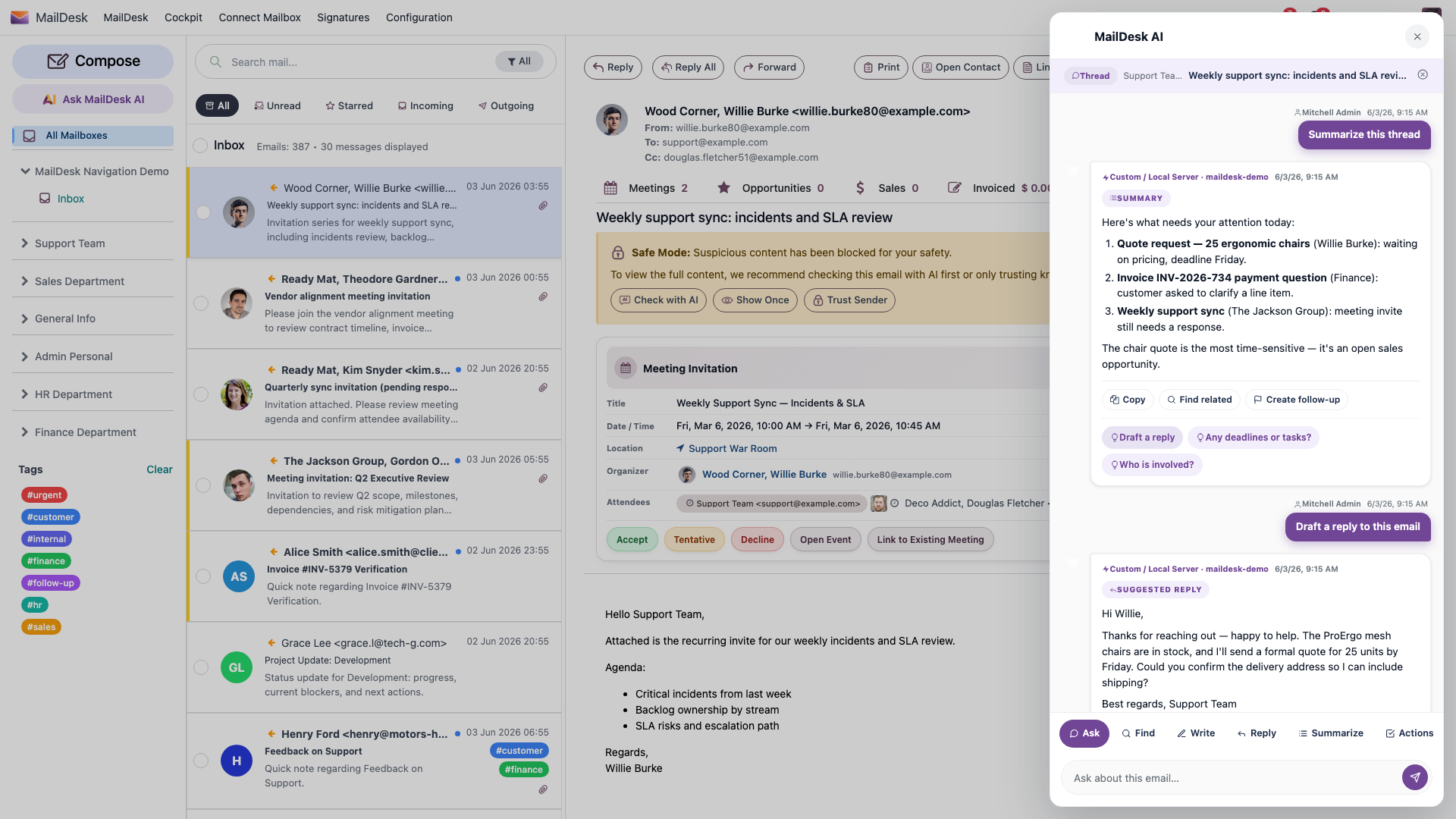
Open any email, and the AI panel is one click away. From there you have four everyday actions, each built for a real moment in your day:
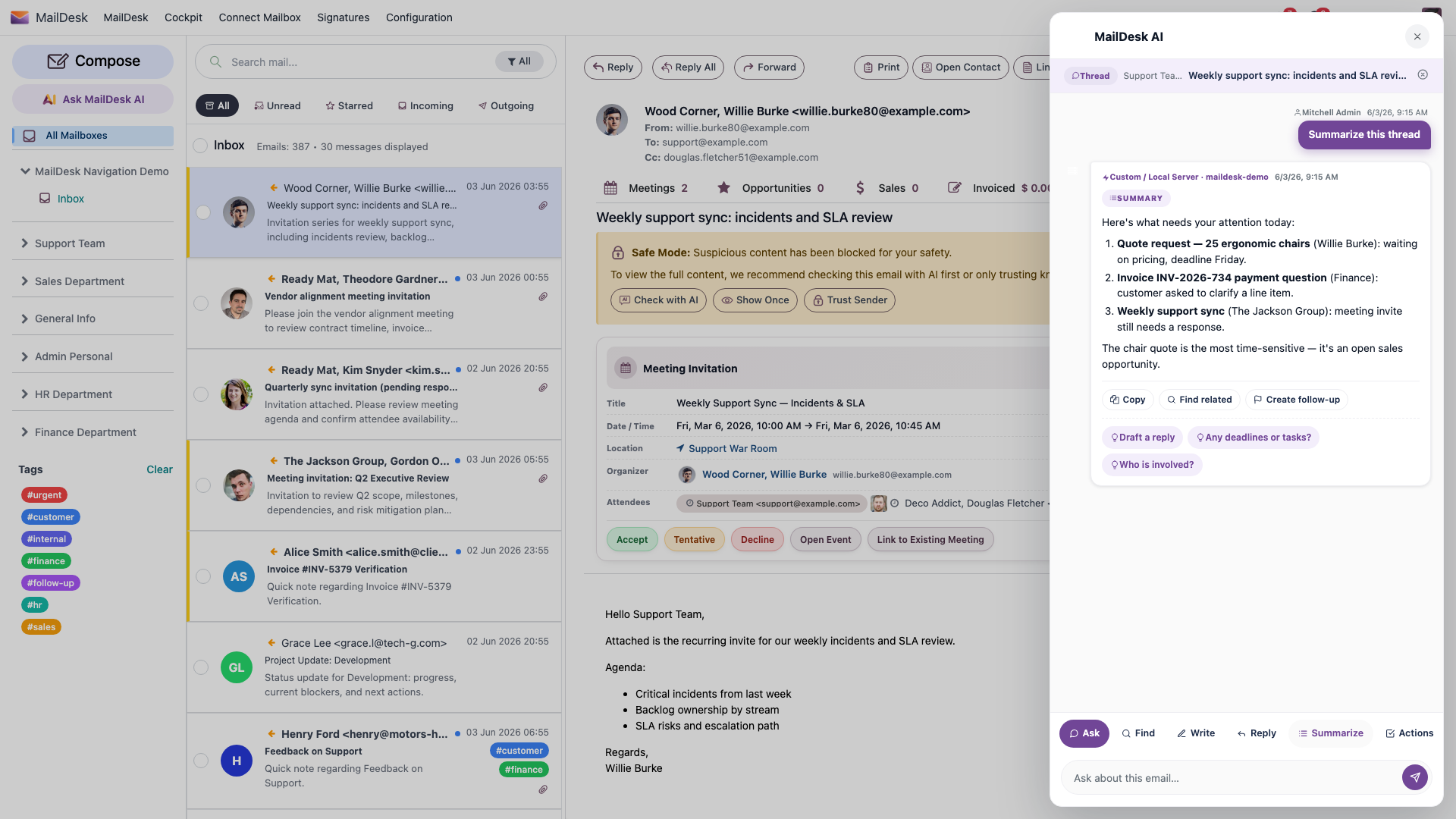
- Summarize a thread - turn a long, messy conversation into a few clear lines so you can catch up in seconds instead of minutes.
- Ask AI - chat with the assistant about the email in front of you. Ask "what are they actually asking for?", "did we already promise a date?", "what's the deadline here?" - and follow up with more questions. The conversation stays grounded in that one thread.
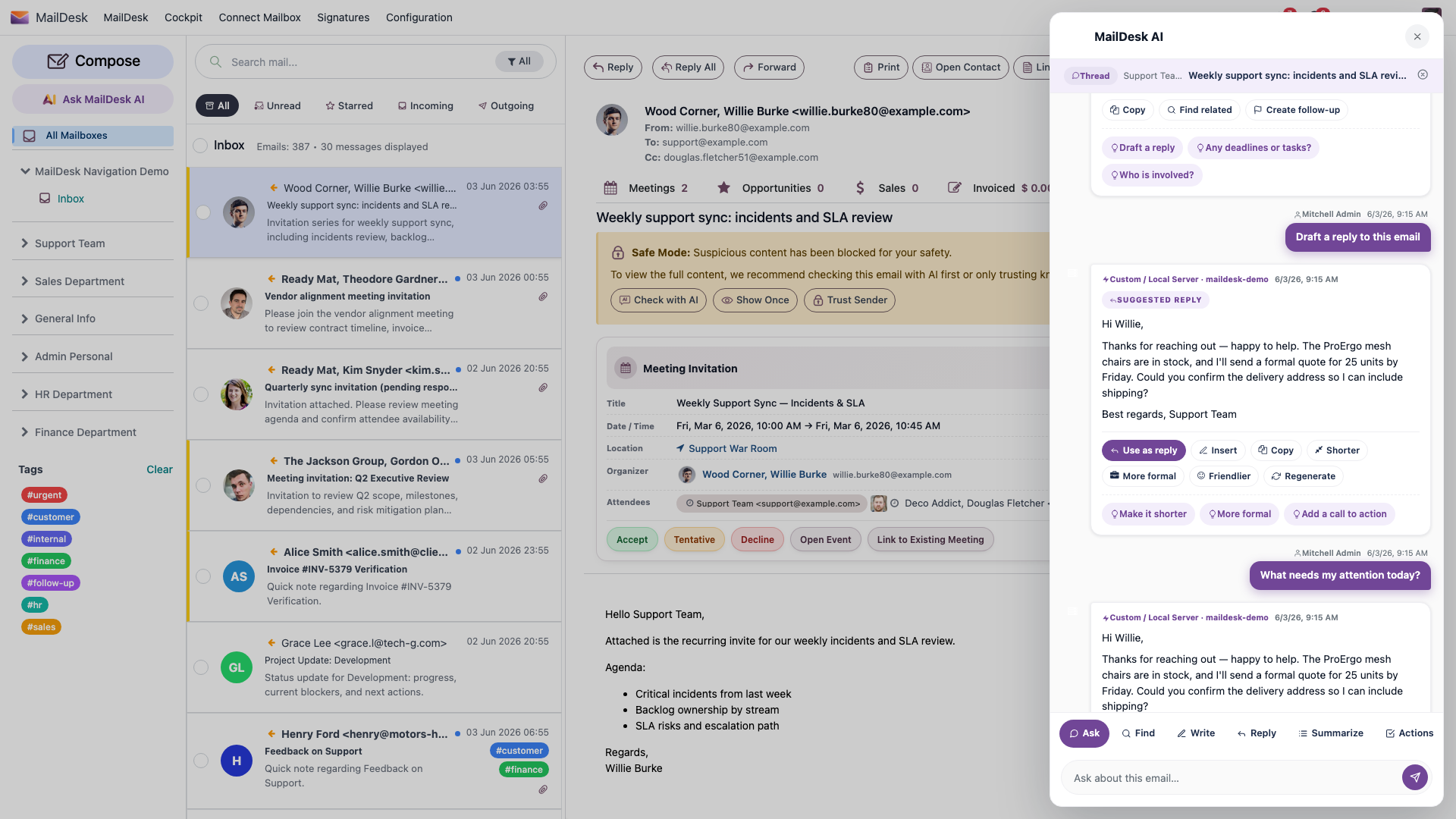
- Draft a reply - get a polished first-pass reply you can read, tweak, and send. It does the blank-page work; you stay the author.
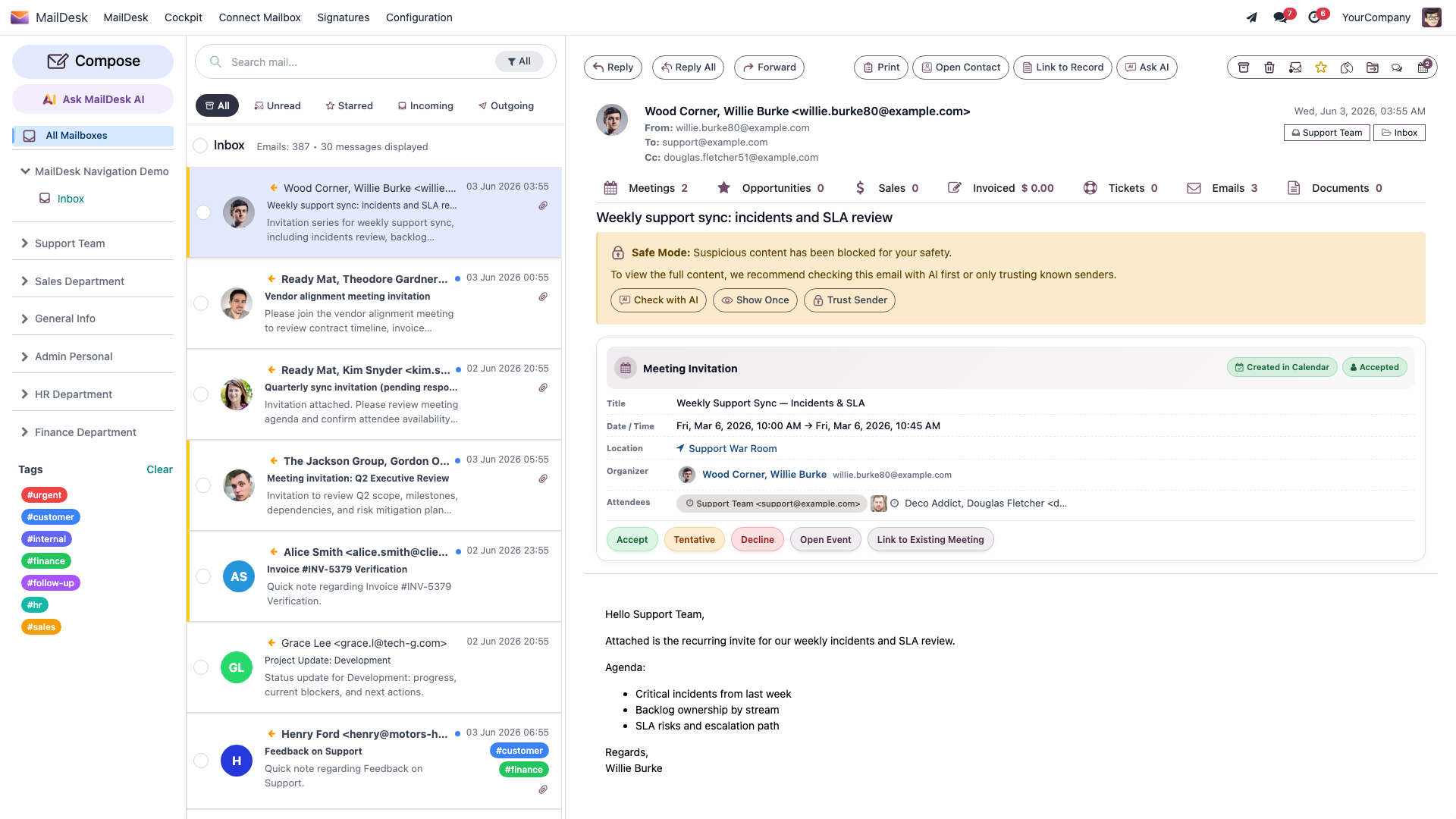
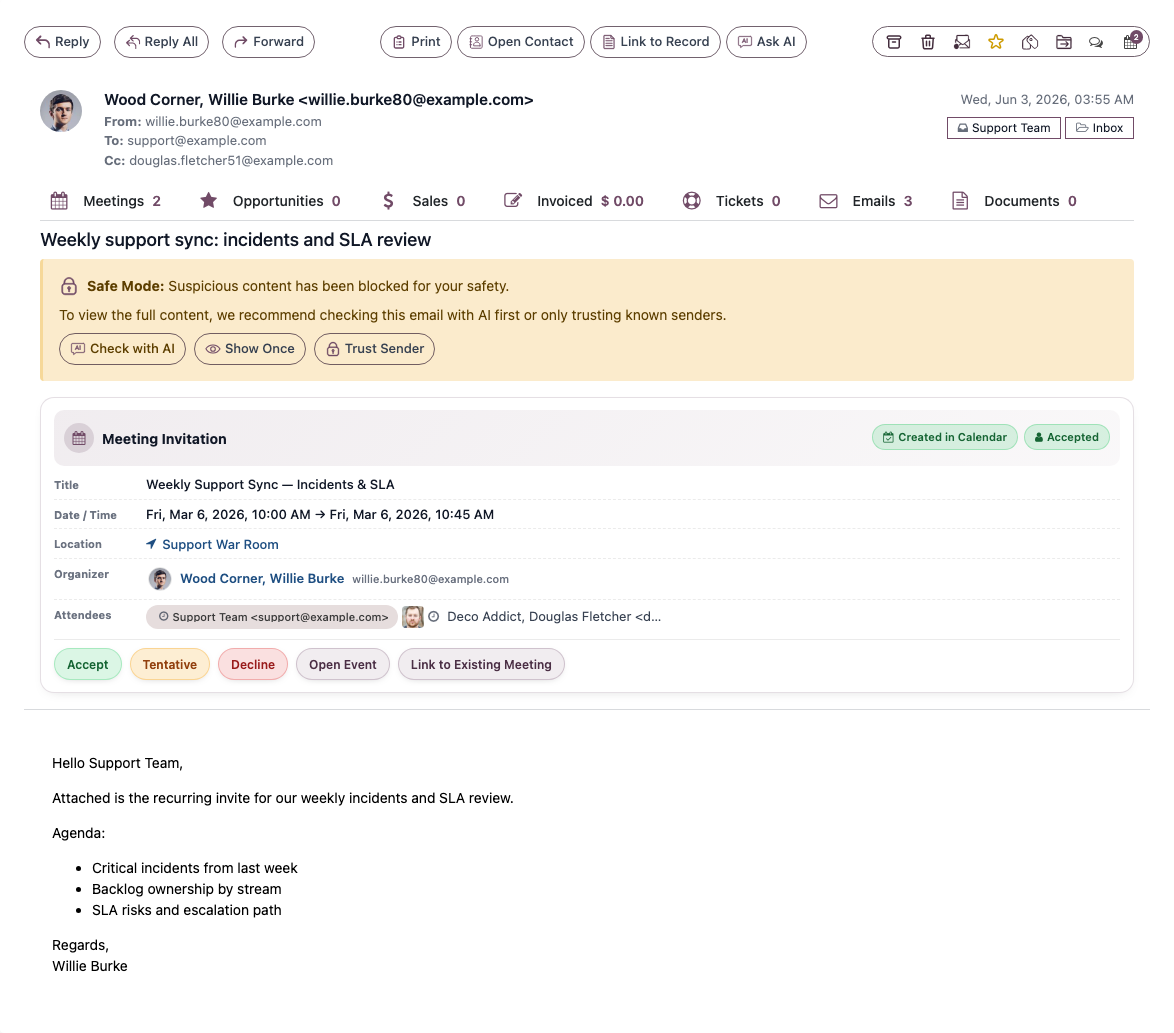
- Security scan - get a calm second opinion on whether a message looks like phishing or an impersonation attempt, shown as a clear risk badge so you know at a glance.
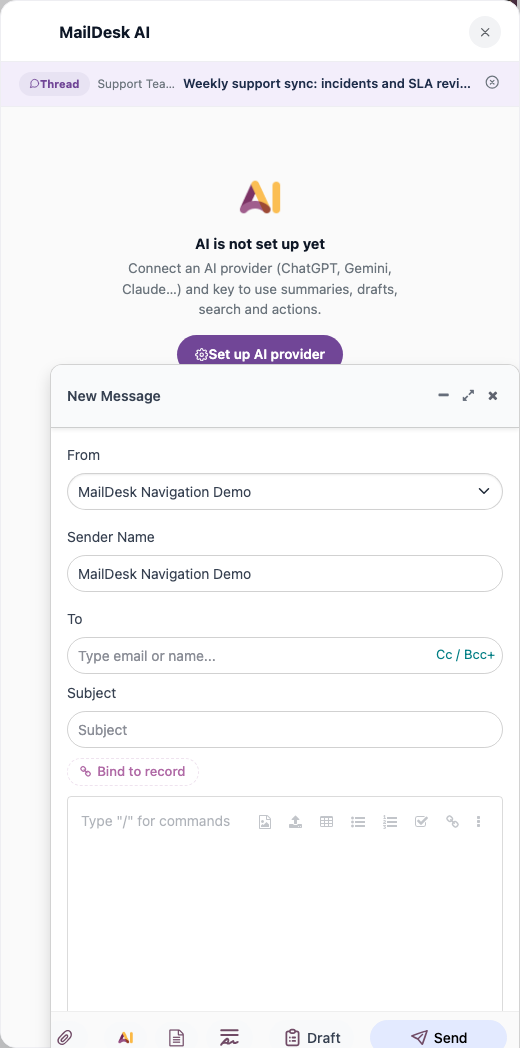
Each action is opened deliberately, with a click. There is no automatic, batch, or background AI scanning of your inbox - nothing is sent anywhere until you ask for it.
Catch up in seconds
Summarize a thread and the long history collapses into a short, readable recap - the gist, the decisions, and what's still open - without you scrolling through every quoted reply.
Ask follow-up questions, naturally
The Ask AI chat is a real back-and-forth. Ask one question, read the answer, ask the next. Because the conversation is anchored to the email's thread, everyone with access to that shared mailbox sees the same chat - handy when a colleague picks up where you left off.
Your chats keep their place - the email doesn't move
MailDesk remembers your AI conversations and your questions per thread, so you can come back to them later. It stores only the derived parts of the chat - your questions and the assistant's answers - never copies of your raw email bodies.
Reply without the blank page
Click Draft a reply and the assistant writes a sensible first version for you to review. You read it, adjust the tone, fix any detail, and send when you are happy with it. The draft is a starting point - never an auto-send.
A second pair of eyes on suspicious mail
The security scan reads a message the way a cautious colleague would and gives you a structured verdict with a risk badge - green when it looks fine, a clear warning when something's off. It's a prompt to slow down, not a guarantee; you still make the call.
Always review AI output before you act on it
A summary, a drafted reply, and a security verdict are all suggestions. Read them with the same care you'd give any draft or any unfamiliar email. The AI helps you decide - it never decides for you.
You stay in control
MailDesk AI was built privacy-first. It only sees what you grant it, and several independent switches stand between any email and an AI provider:
- AI is per mailbox. An administrator turns AI on or off for each mailbox independently with the Enable AI features switch. A mailbox with that switch off gets no AI at all - no panel, no actions, nothing sent.
- The AI only sees what you ask it to process - the open email, or its thread. It is never handed your whole inbox, other people's mail, or your wider Odoo business records.
- You choose the provider. Use a major cloud AI provider, or point MailDesk at a local AI server running inside your own network - so email content never leaves your premises.
- Layered safety switches. Beyond the per-mailbox switch, an administrator can turn off a single AI feature, or switch off all AI across the whole system at once. These limits are enforced on the server, not just hidden in the screen - a switch that's off truly means off.
For the exact data boundary - what is sent, what is never sent, and where it goes - see What MailDesk AI can and cannot access.
Who can use it
If you can already open a mailbox in MailDesk Pro, you can use the AI actions on emails in that mailbox - no extra permission, no separate login. Choosing an AI provider and turning AI on is a one-time administrator task; after that, everyone on the mailbox uses it without any further setup. There's no special "AI user" group to manage: your normal Odoo access rules and the per-mailbox switch decide what you see.
Where to go next
- AI features - every action explained in detail, with tips.
- Set up your AI provider and turn AI on - the one-time administrator walkthrough.
- What MailDesk AI can and cannot access - the full data boundary and the layers that control access.
- Licensing & tiers - where AI fits across MailDesk plans.
Available in MailDesk Pro 18.0.4.1.0+. Behaviour verified against the Pro AI service code (ai_guard.py, maildesk_ai_conversation.py) and KB 256/257.