Privacy: what is sent to your AI provider
Available in: Pro. (The Cockpit integration reuses the same provider for manager briefings.) Basic has no AI.
You want the help that AI gives you - the quick summary, the safety check, the first draft - without handing over your whole mailbox. That is exactly how MailDesk AI is built. When you use an AI feature, only a small, clearly-defined slice of email data leaves your system, and only at the moment you ask for it. This page tells you precisely what is sent on each request, what is never sent, where it goes, and what MailDesk keeps afterwards - written plainly, and matched line for line to how the product actually behaves.
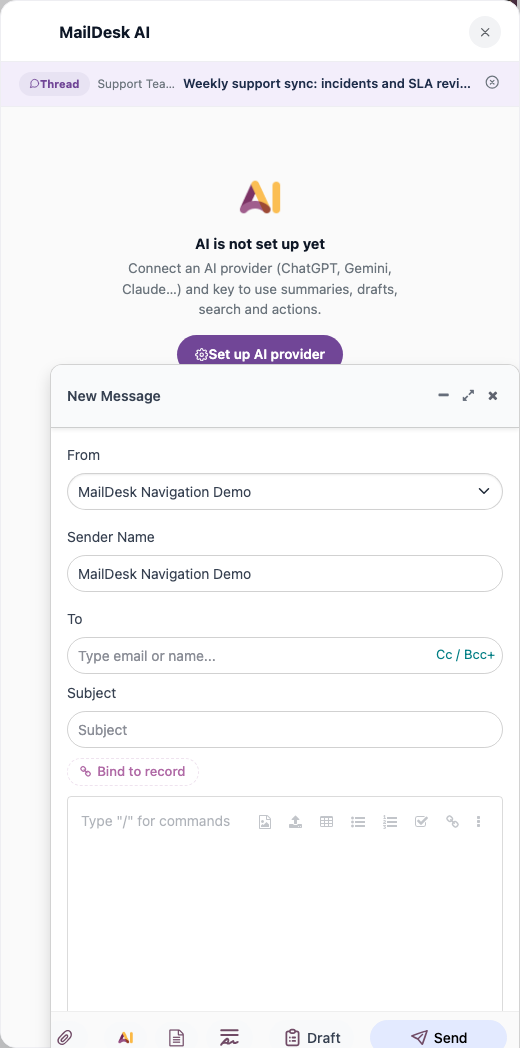
The short version
If you read nothing else, read this:
- AI runs only when you ask it to - or, for the safety badge, the moment you open an email. There is no quiet background scanning of your mailbox.
- Each request carries only the email or the thread you are working on right now - never your whole inbox, never anyone else's mail, never your Odoo business records.
- Attachments are never sent automatically. A file's contents are only included if an administrator opts the mailbox in and you explicitly ask the AI to look at an attachment.
- Need everything to stay in-house? Run a local / self-hosted AI server and email content never leaves your network.
- MailDesk keeps the AI's answer (the summary, the verdict, the draft) so you don't have to regenerate it - it does not keep a second AI copy of your email content.
What is sent - feature by feature
The data that goes out depends entirely on which feature you run. Nothing more travels than the job in front of you needs.
| When you… | The provider receives | The provider does not receive |
|---|---|---|
| Open an email (safety check) | The sender address (up to 200 characters) and the message text of that one email (up to about 4,000 characters, with HTML removed) | The thread, attachments, other emails, any Odoo records |
| Summarise a thread / draft a reply | The messages in that thread - for each message: sender, recipients, date, subject, and the plain-text body | Attachments*, other threads, other mailboxes, Odoo business data |
| Ask the AI a question about a thread | Your question, the conversation so far, and that thread's text | Anything outside that thread |
| Set a language hint or an instruction | The hint (e.g. "summarise in German") and the short instruction telling the AI what to do | - |
* Attachments are included only when both of these are true: the mailbox has Allow AI Attachment Analysis switched on, and you explicitly request attachment analysis on that message.
The email text handed to the AI is always plain text - formatting, images and HTML are stripped out first. So the safety check on a single email, for example, only ever sees that one email's sender and its readable words, and stops at roughly 4,000 characters.
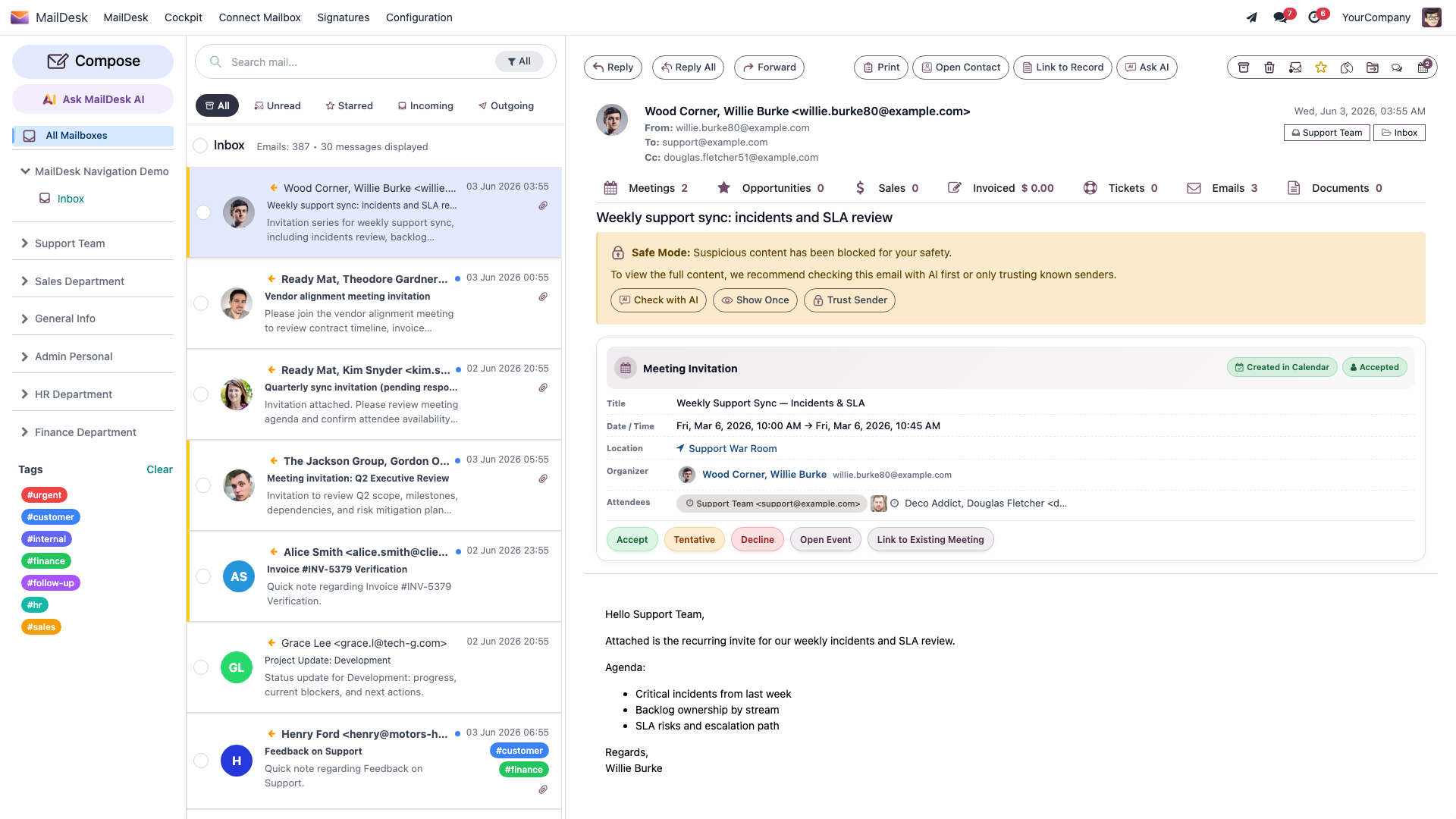
Optional team style the AI may also receive
If an administrator has written a Team / Mailbox Context note or chosen a Default Reply Tone for the mailbox, that short guidance rides along with summarise and reply requests so the AI writes in your team's voice. This is configuration text you control - it is not email content, and it is your choice whether to set it at all.
Built to resist hidden instructions
A real risk with email-reading AI is a message that tries to trick the AI - instructions buried inside an email that say things like "ignore your rules and do X". MailDesk is designed to shut that down.
Every piece of untrusted email text is wrapped inside a clearly-labelled
<UNTRUSTED_EMAIL_DATA> block, and the AI is explicitly told to treat anything inside it as data
to read, never as commands to follow. On top of that, MailDesk strips out any lookalike block
markers an attacker might paste in to try to "close" that block early. The result: the words in an
incoming email cannot quietly redirect what the AI does for you.
What is never sent
No matter which feature you run, the following never leaves your system:
- Binary attachments - file contents are never sent, unless you opt the mailbox in and explicitly ask for attachment analysis (see above).
- Any Odoo record - contacts, leads, tickets, sale orders, invoices - even when an email is linked to one.
- Email from mailboxes or threads you are not currently working in.
- Other people's mail.
- Your contact list or your calendar.
- Passwords, API keys, or login tokens - provider keys stay in your Odoo configuration and are never part of an AI request.
Where your data goes
When you run a feature, the small slice described above is sent to the AI provider you chose - and only to produce your result.
- Cloud provider (OpenAI, Google Gemini, Anthropic Claude, xAI Grok, DeepSeek): the request is governed by that provider's own privacy and retention policy.
- Local / self-hosted server (for example Ollama, LM Studio, vLLM): email content stays on your network and never reaches a third party.
- No provider configured at all: the safety check and the editor's Ask AI fall back to Odoo's built-in AI service, governed by Odoo's terms. Summarise and Draft a reply do not fall back - with no provider configured, they simply produce no result rather than sending your email anywhere unexpected.
Once a request reaches a cloud provider, how long it is kept is up to that provider - MailDesk does not control provider retention. The major commercial providers state that API data is not used to train their models by default; always check the current version of your provider's API policy.
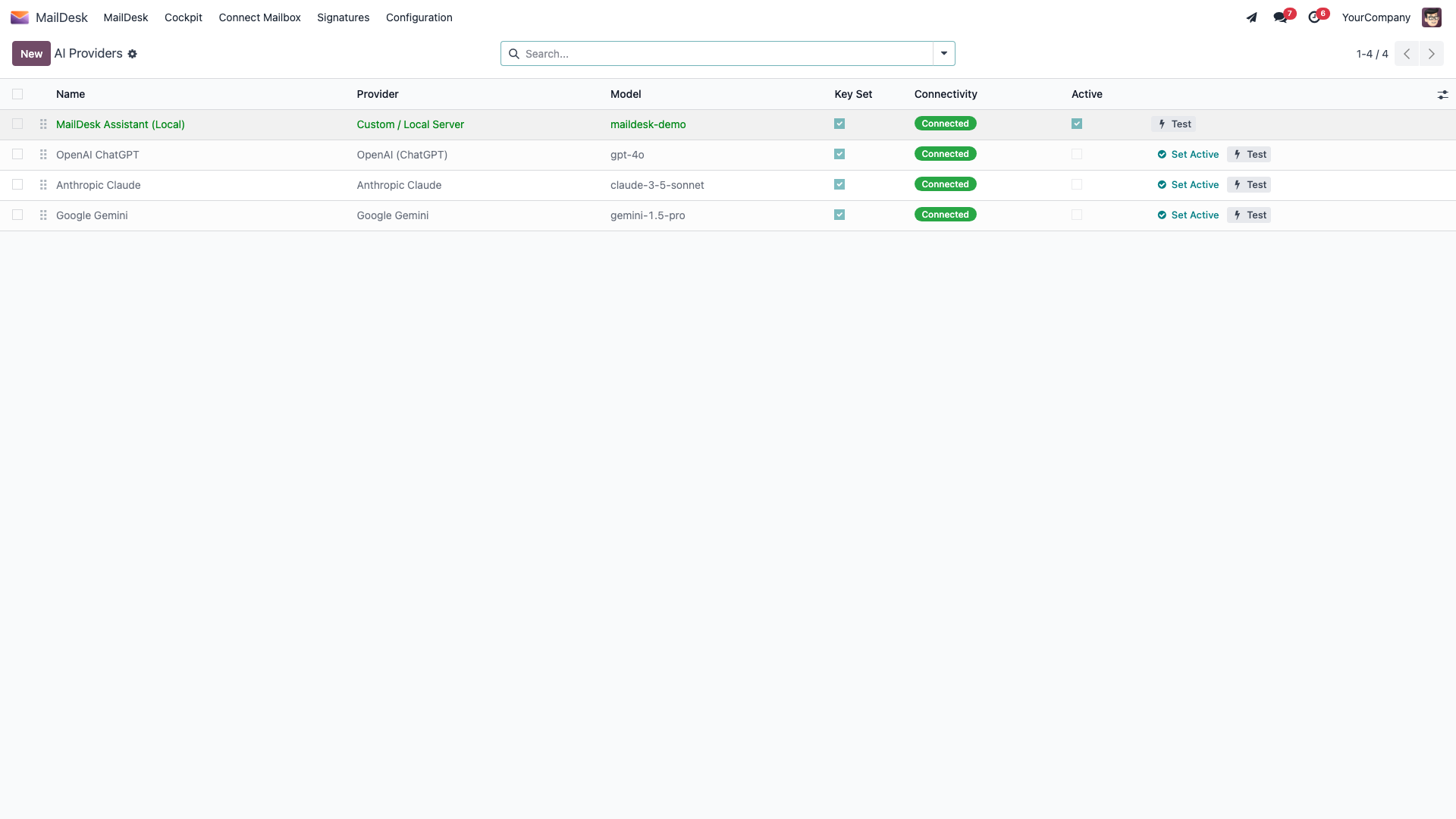
Provider privacy policies
- OpenAI - openai.com/policies/privacy-policy
- Google Gemini - ai.google.dev/gemini-api/terms
- Anthropic - anthropic.com/privacy
How to keep everything on-premise
If your organisation needs all email content to stay inside your own four walls - a regulated industry, a sensitive customer base, or a strict compliance requirement - you can have the AI features without sending a single email to the outside world. Run a local provider:
- Run a model server such as Ollama, LM Studio, or vLLM on your own hardware or in your private cloud.
- In MailDesk, configure the Custom / Local Server provider to point at it (see Set up your AI provider).
- From then on, every AI request goes only to your own server. No email content leaves your network.
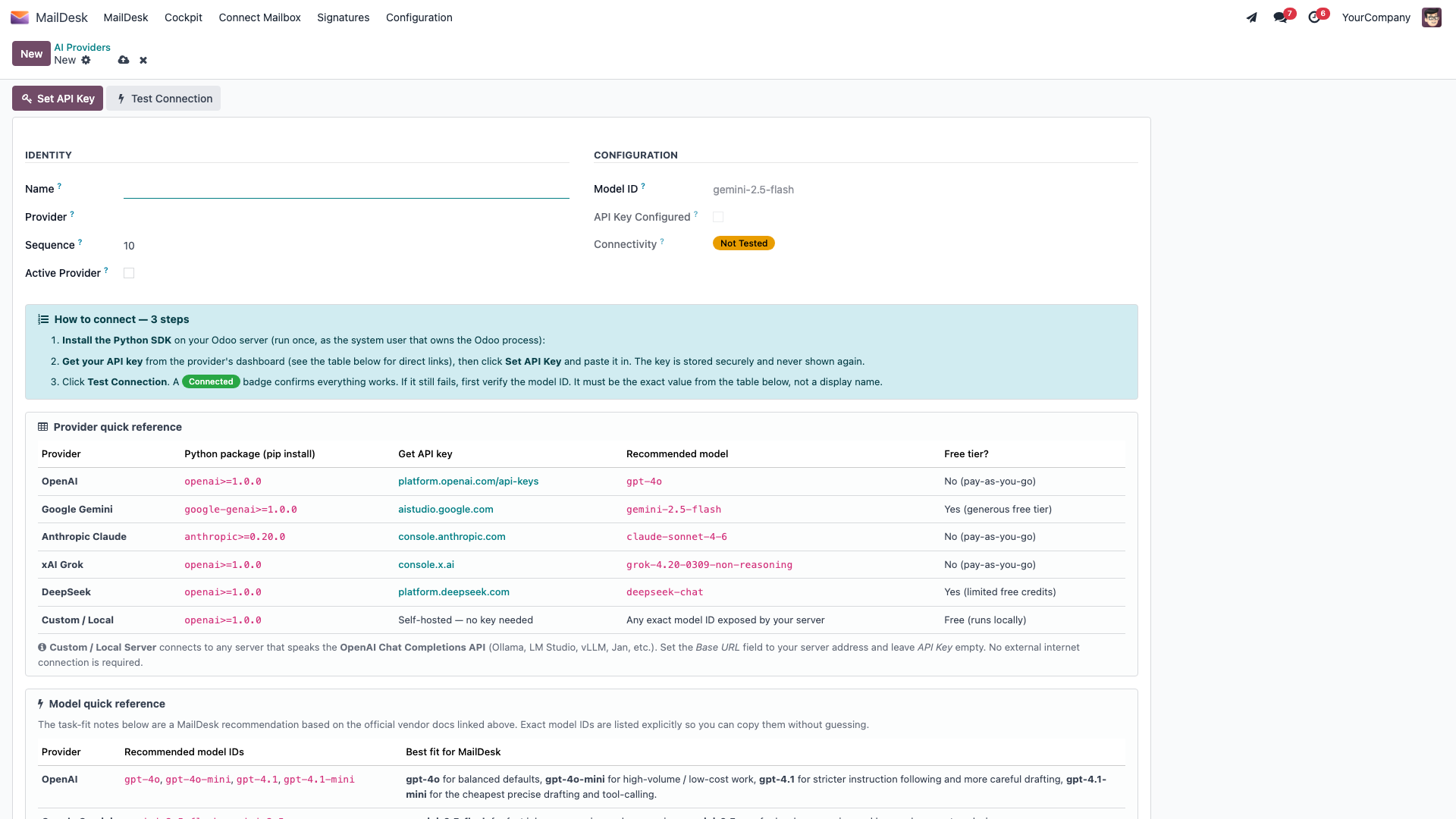
What MailDesk keeps
- MailDesk stores the AI's output - the summary text, the safety verdict badge, the reply draft - right next to the email, so you don't have to regenerate it the next time you open the message.
- MailDesk does not store the email content as a separate AI copy. The email itself already lives in your Odoo database as a normal part of MailDesk - AI does not duplicate it.
- A saved AI conversation keeps only the question-and-answer turns you had - never the raw email body.
How the controls are enforced (four layers)
This is the part that lets you sleep at night: AI runs only when all of these allow it. Each one is checked on the server every single time - none of it is just hidden in the screen. A direct technical call from elsewhere cannot get around them.
- Global switch - an administrator can disable all AI at once.
- Per-feature switch - individual features (safety check, Summarise, Draft a reply, Ask AI) can each be turned off on their own.
- Per-mailbox switch - "Enable AI features" - turned off for a mailbox means no AI for that mailbox, full stop. If a mailbox can't be confirmed, the answer defaults to no.
- A provider must be configured with a valid key (or a reachable local server) - otherwise the feature does not run.
You only ever see AI results for mailboxes you already have access to. There is no special elevation and no shortcut around your permissions - standard Odoo access rules still apply. Turning AI on or off, and choosing a provider, is an administrator task.
How to opt out
You are always in control, at whatever level you need:
- For one mailbox: MailDesk → Configuration → Mailboxes → Mailbox Accounts → [account] → switch Enable AI features off.
- For one feature, or for everything: an administrator disables it in the MailDesk settings.
- For no AI at all: leave the AI provider list empty / inactive, or remove the provider - the stored key is cleared along with it.
For Data Protection Officers
Sending email content to an external AI provider is a sub-processing relationship. If you operate in the EU, your administrator should add the AI provider to your record of processing activities (Article 30 GDPR) and have a Data Processing Agreement in place with that provider. For fully on-premise operation, choose a local / self-hosted provider - then no external sub-processing applies at all.
Related
Available in MailDesk Pro 18.0.4.1.0+. Data-flow limits and behaviour verified against the Pro AI service code.